
트렌드 모니터링
Track Metrics Over Time
트렌드 모니터링
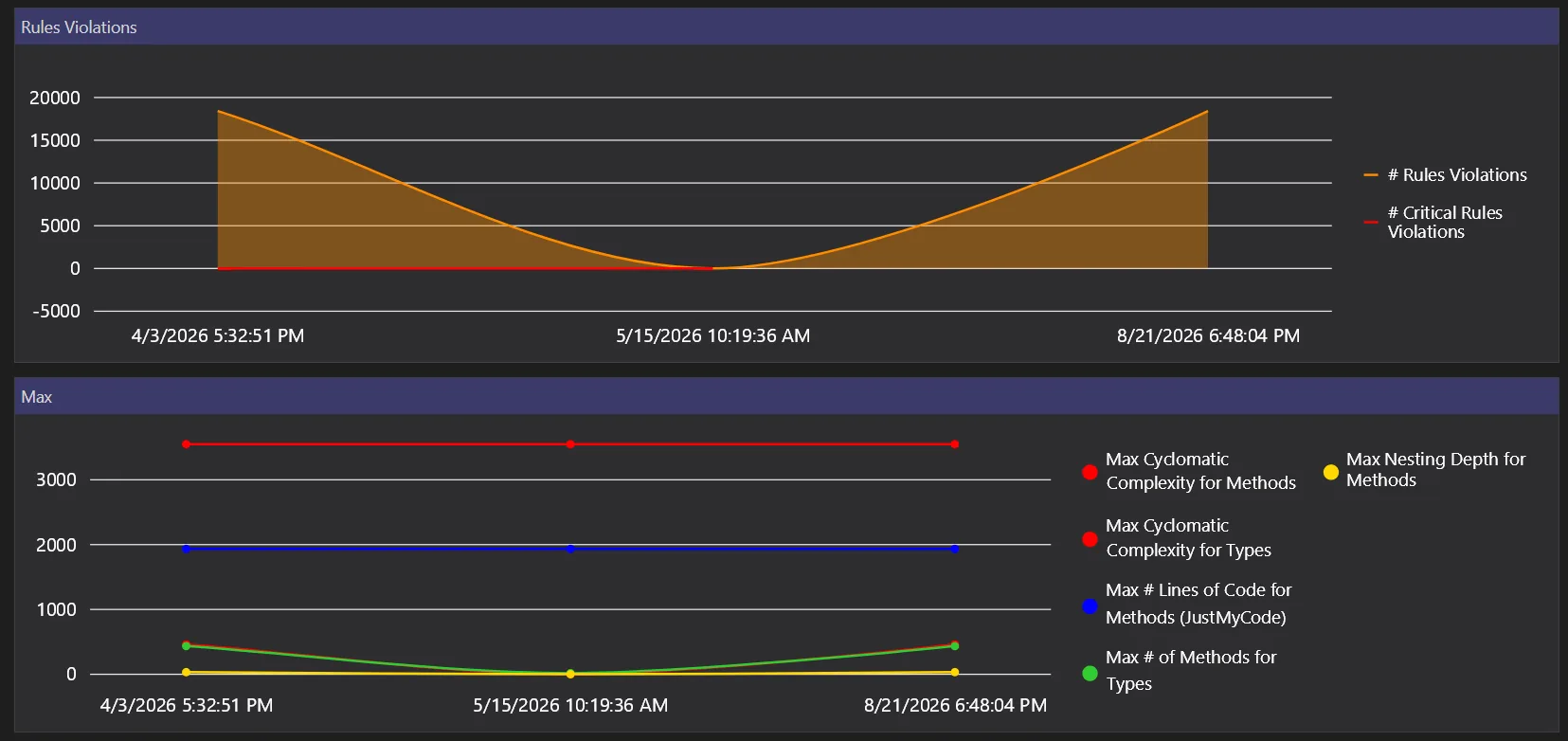
CppDepend lets you create trend charts. Trend charts are made of trend metric values logged over time at analysis time. More than 50 trend metrics are available by default and it is easy to create your own trend metrics.
CppDepend is easy to tackle with. It won't take you more than 5 minutes to install it as a Visual Studio add-in and analyze a C++ application with dozens of projects.
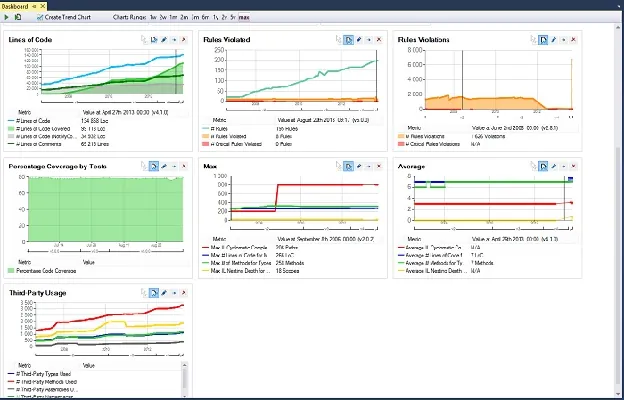
Trend charts are displayed on the CppDepend dashboard. Some trend charts are available by default to show:
- Lines of code
- Number of Code Rules Violated and number of Code Rules Violations
- Max and Average values for various Code Quality Metrics
- Third-Party Usage
Trend charts can be customized and it is easy to create your own trend charts to show default trend metrics and/or custom trend metrics.
Flexible Trend Monitoring Features
Measuring a code base trends with CppDepend comes with many flexible sub-features:
- Trend charts can be created and customized
- New trend metrics can be written through Code Quest queries
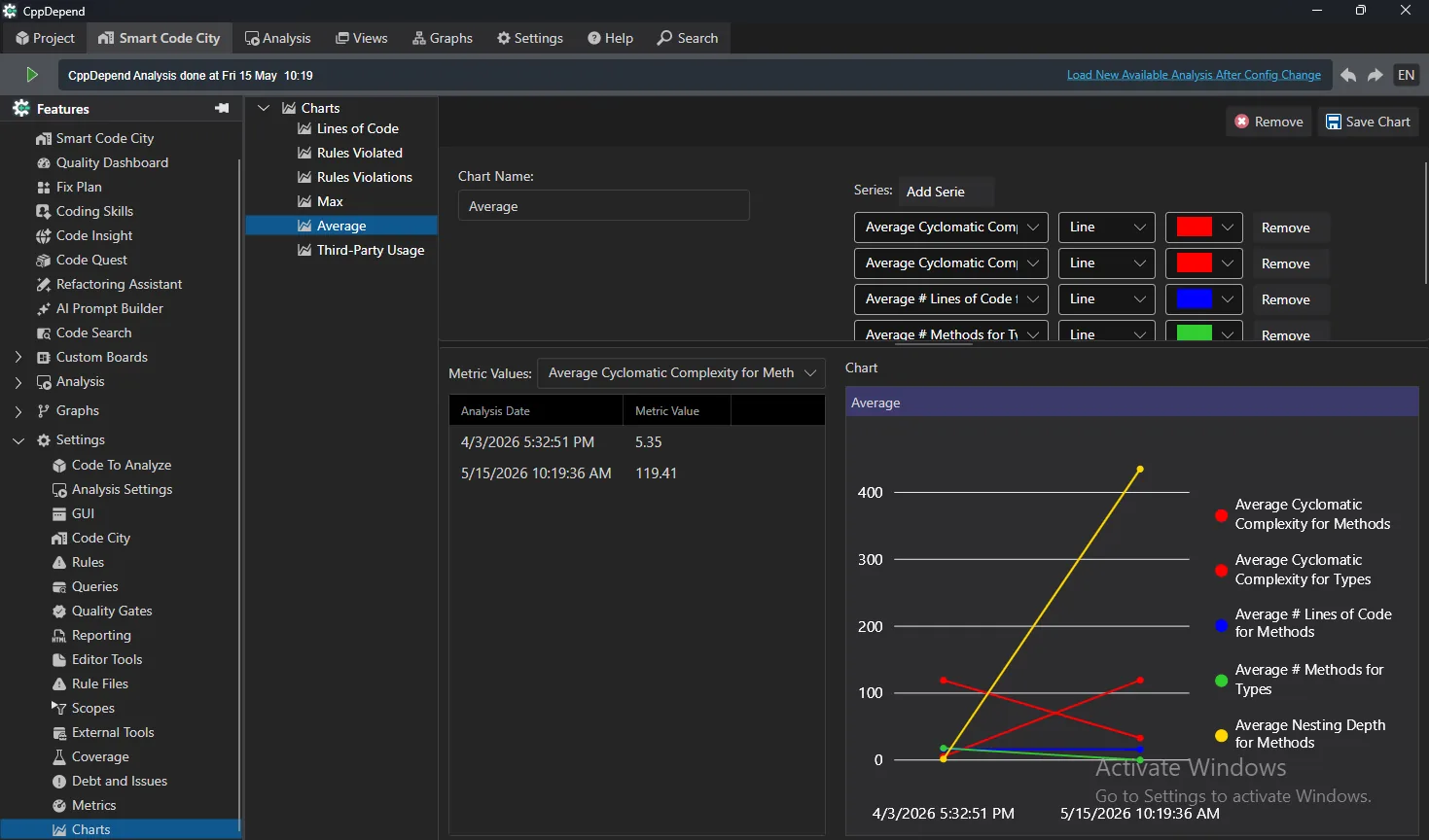
Trend charts can be displayed and analyzed both in the main CppDepend UI and in the reports.
Key Benefits
- ✓시간에 따른 모든 메트릭 추적
- ✓인터랙티브 트렌드 차트
- ✓임계값 및 알림 설정
- ✓추세 보고서보내기
시도 트렌드 모니터링 with CppDepend
Start your 14-day free trial with full access to all features. No credit card required.