
Smart Code City: Your Codebase as a 3D City
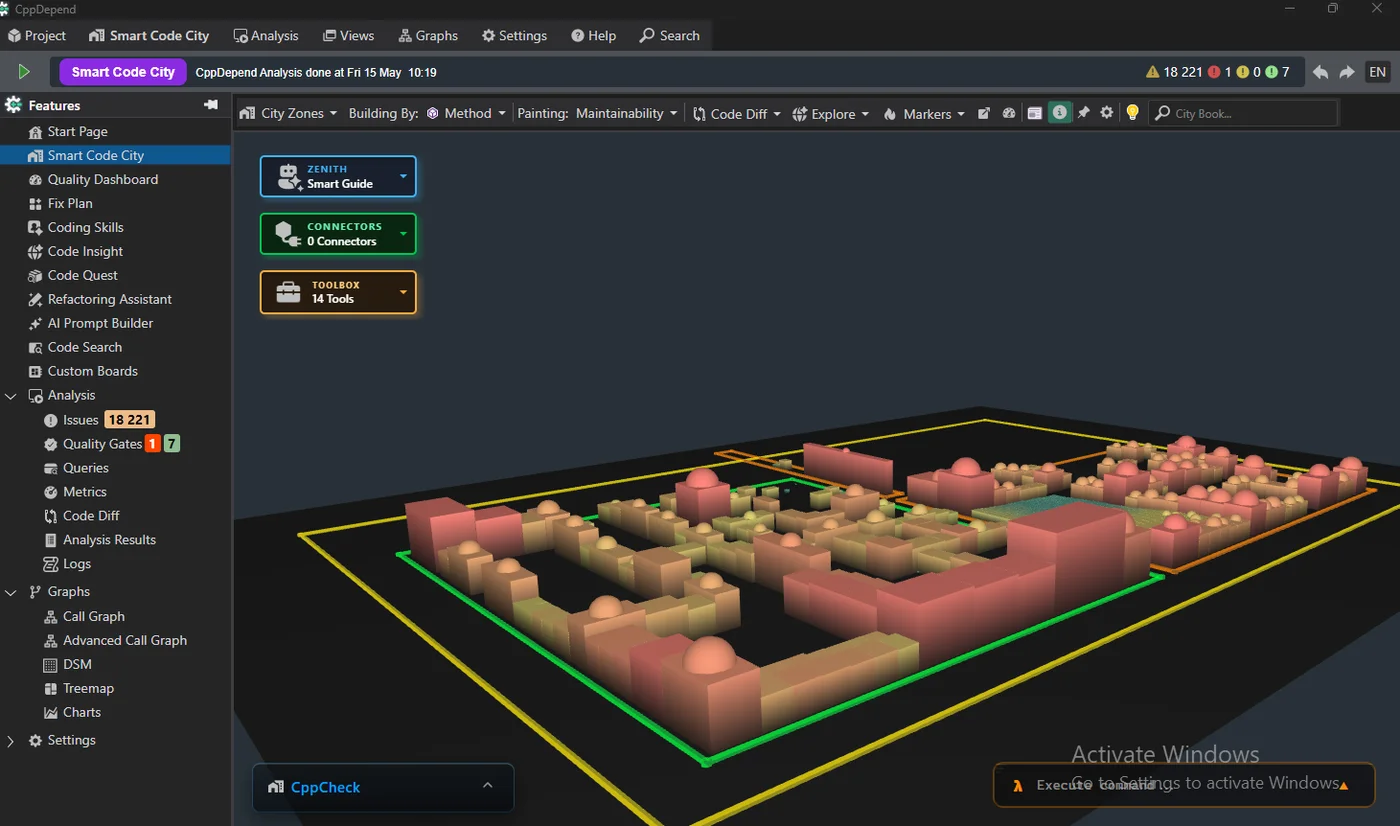
Explore your codebase as an interactive 3D city where buildings are types and districts are namespaces.
Metric-driven building size and color instantly expose complexity and issue hotspots.
An intuitive way to communicate architecture to newcomers, managers, and stakeholders.
Code Insight: One Unified View per Code Element
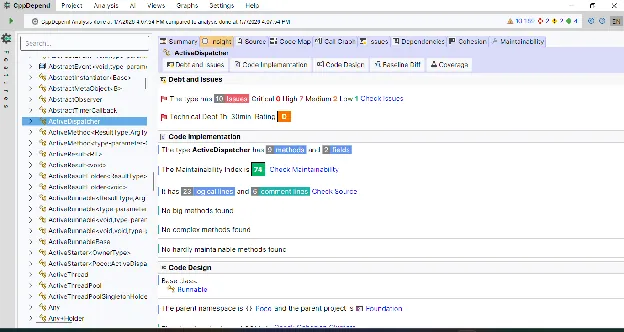
For any assembly/namespace/type/method, get structure, metrics, and analysis results in a single coherent view.
Summary answers "Is this code healthy?" with size metrics, maintainability, technical debt, issue counts, and coverage.
Go deeper with tabs like Insight, Source, Code Map, and Call Graph to understand impact and refactor safely.
Coding Skills: Discover Where to Level Up
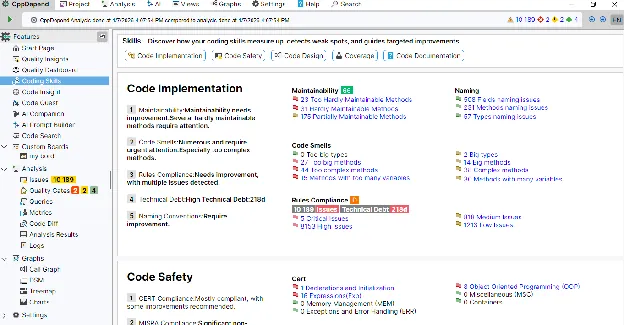
Implementation: maintainability ratings & trends, complex methods/types detection, code smells, naming consistency, and technical-debt impact.
Design: identify overly coupled components, unbalanced types, responsibility distribution issues, and architectural smells.
Safety: track compliance with CERT C/C++ and MISRA C/MISRA C++, and highlight risky patterns with clear severity.
Multi-language UI
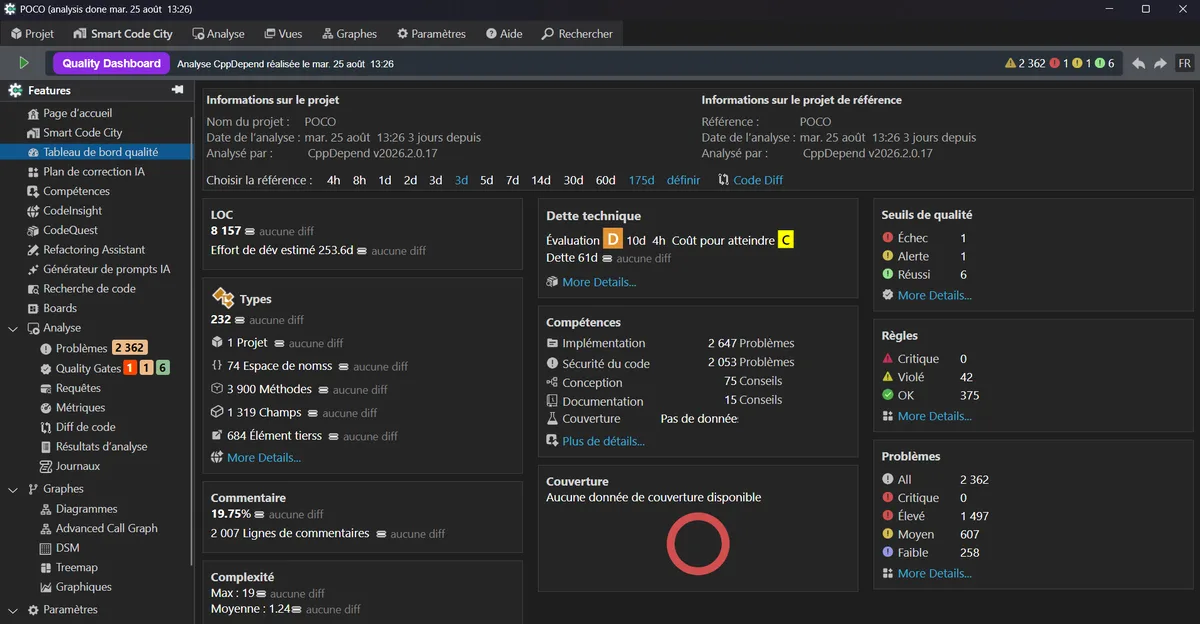
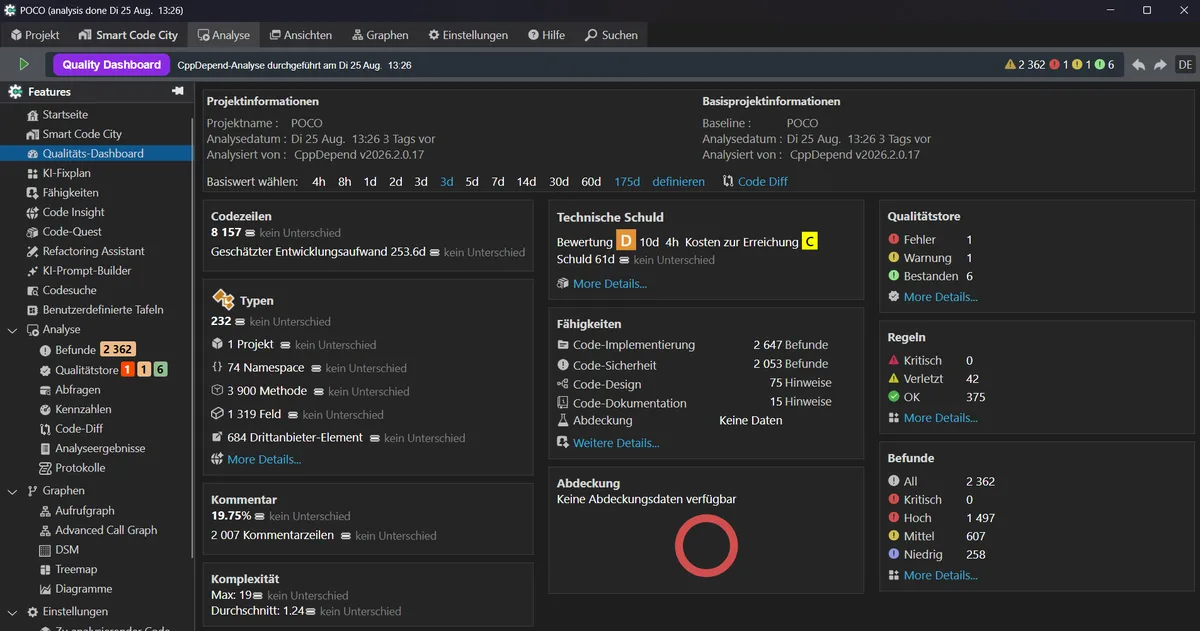
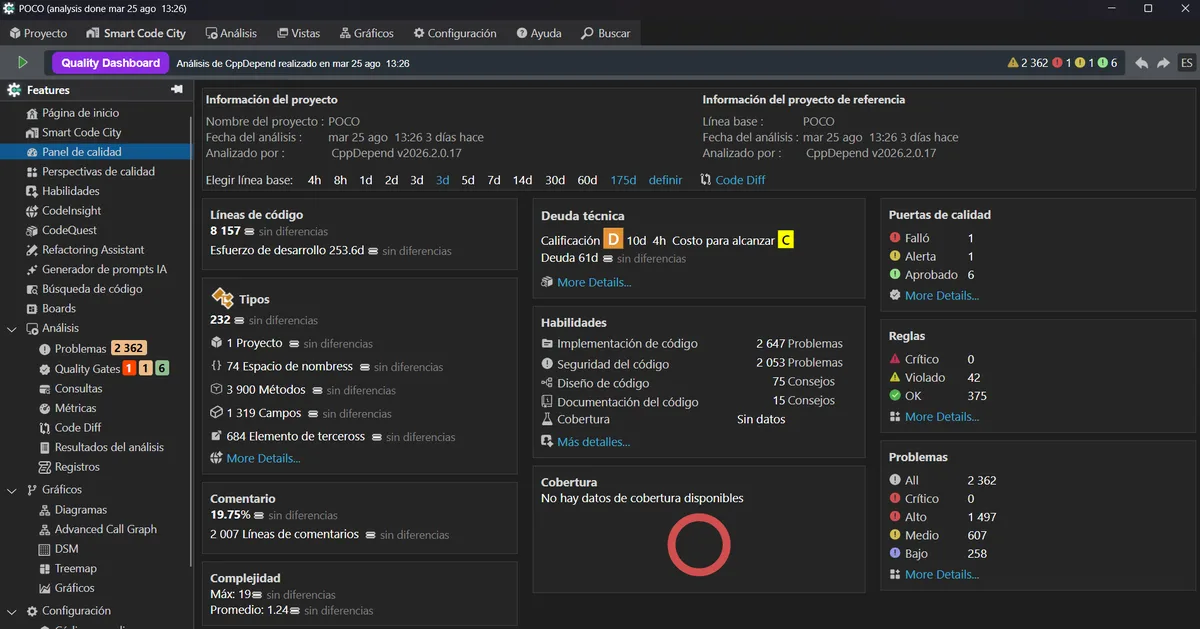
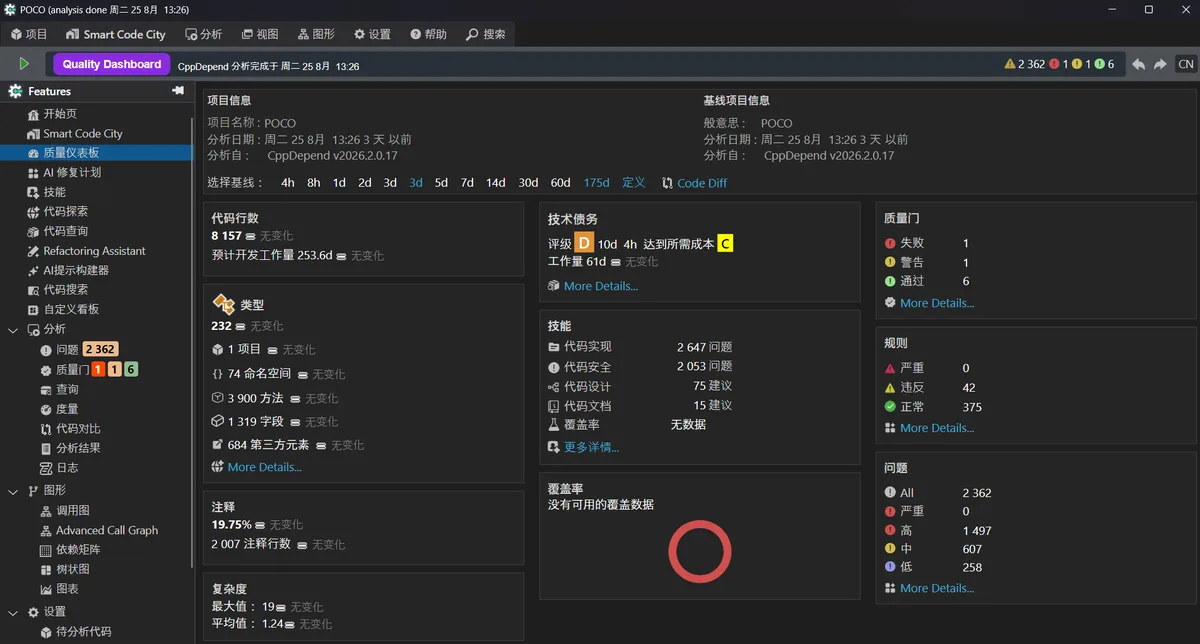
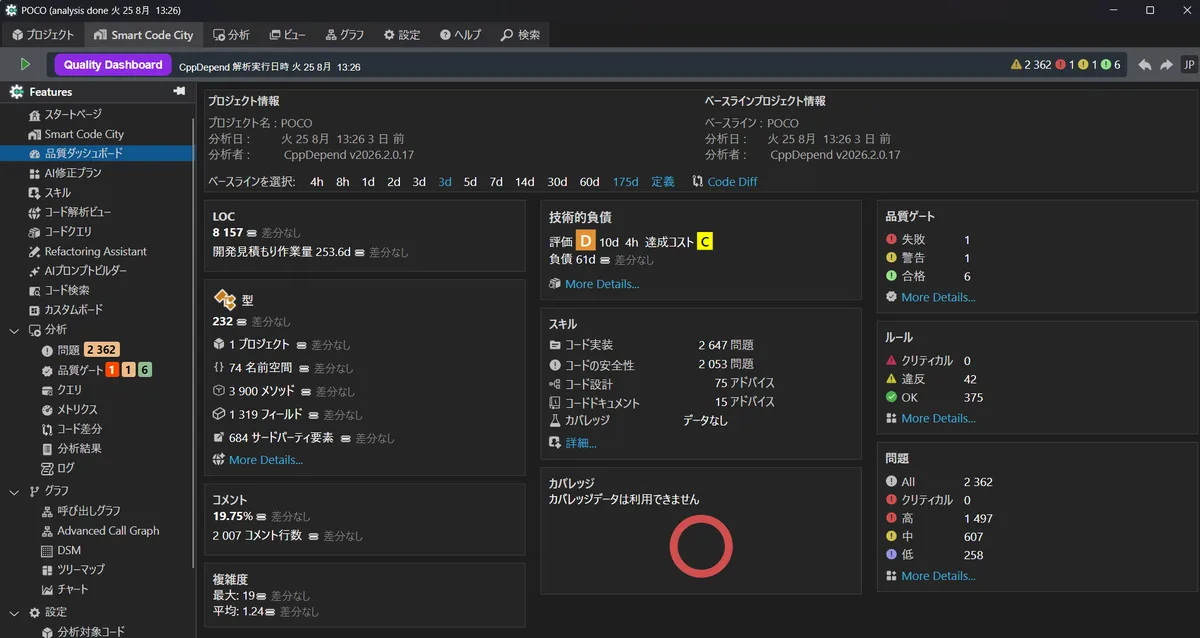
CppDepend 2026.2 introduces a multi-language user interface, making adoption easier for global teams.
Available languages: English, French, German, Spanish, Chinese, Japanese.
Perfect for distributed organizations enforcing shared quality gates and coding standards across regions.
Visual Studio 2026: Full Native Support
Seamless IDE integration: CppDepend now fully integrates with Visual Studio 2026, delivering the same smooth experience you expect from previous versions.
Instant feedback: explore metrics, issues, dependencies, and architecture directly from the Visual Studio 2026 environment.
Ready for modern C++: analyze the latest C/C++ language features with accurate parsing, rules, and metrics.
No workflow changes: upgrade Visual Studio without breaking your existing CppDepend analyses, rules, or CI pipelines.
Code Quest: Ask Questions to Your Codebase
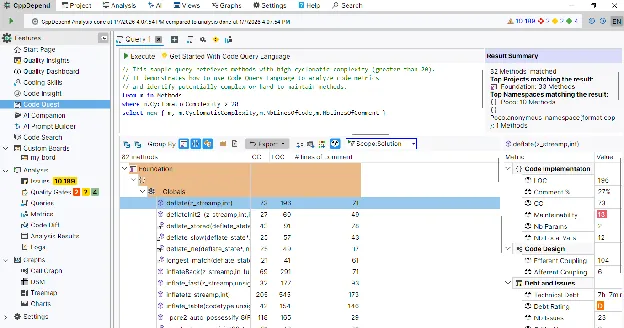
Query types, methods, namespaces, dependencies, metrics, and rules to get precise answers in seconds.
Get metrics on the result set (size/complexity/maintainability), issue counts & severity distribution, and technical debt estimation.
Export results to Text, XML, CSV, or visual formats like Call Graph and Code Map.
Refactoring Assistant: Prioritized Fix Plan
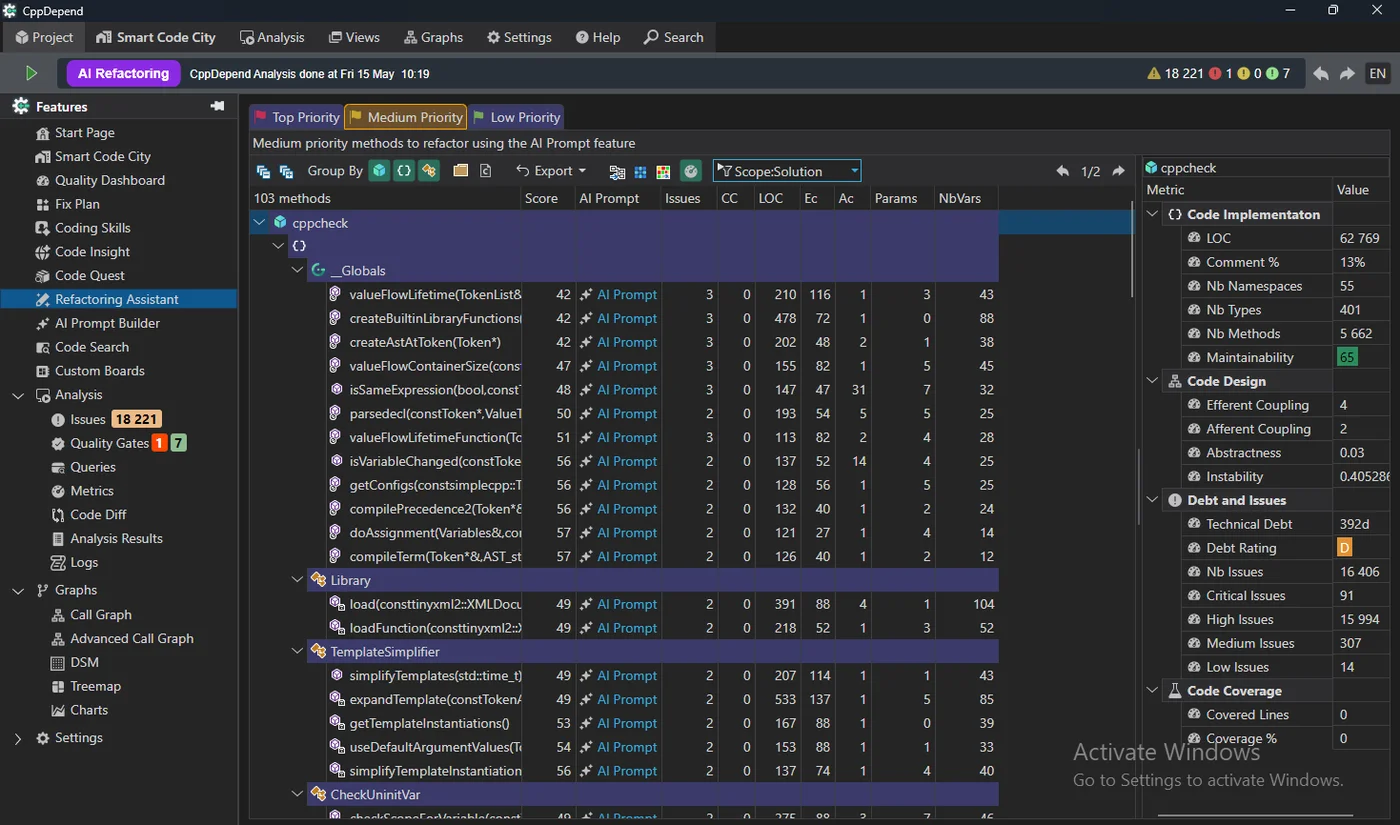
AI-powered prioritized list of methods to refactor first, scored by quality and maintainability impact.
One-click AI Prompt per method generates a ready-to-use refactoring prompt with full code context.
Turn technical debt into a concrete, actionable plan your team can execute sprint after sprint.
Prompt Builder: Reliable Results Start with the Right Context
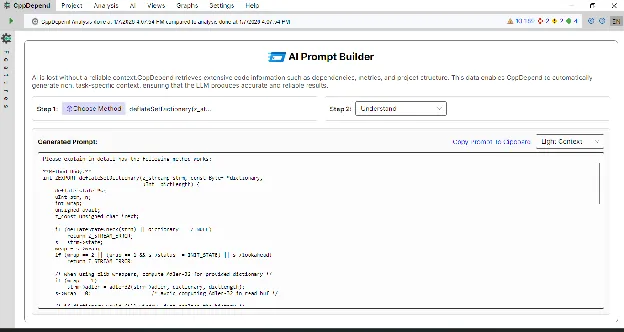
Turn your intent into a ready-to-use prompt: Fix, Understand, Document, or Test.
Choose Light or Rich context: source code, metrics, issues, dependencies, call relationships, maintainability indicators.
Context is extracted from the CppDepend static analysis model for predictable, trustworthy answers.
Custom Boards: Tailored Dashboards & Visible Quality Gates
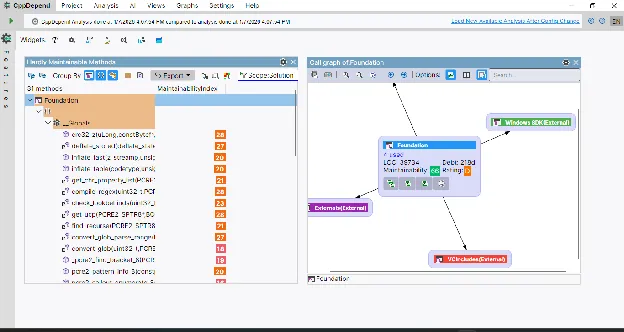
Compose dashboards with widgets: Rule, Query, Chart, Metric, Summary, Call Graph, and Gate.
Adapt boards for developers, tech leads, and managers — from refactoring hotspots to executive overview.
Make objectives measurable with Quality Gates (thresholds on metrics/rules/technical debt) and detect regressions early.
Multi-platform: Windows, macOS, Linux
CppDepend 2026.2 is available on Windows, macOS, and Linux — so teams can standardize quality practices across environments.
Run the same analysis workflow everywhere: architecture, technical debt, trends, quality gates, and AI-assisted investigation.
Ideal for mixed developer fleets and CI/CD pipelines running on different OS targets.
Ready to try CppDepend 2026.2?
Start your 14-day free trial with full access to all 2026.2 features. No credit card required.
Download Free Trial